Kleoth — a meeting recorder with no bot in the call
I built a meeting recorder for macOS that never sends a bot into your call. It records your
microphone and the other participants’ audio straight off your Mac, transcribes on-device, and
leaves a folder of audio and Markdown in ~/Kleoth. It’s called Kleoth, it’s Apache-2.0, and
you can download it from github.com/ofcRS/kleoth.
Why not a bot
The hosted recorders — tl;dv, Fireflies, Otter — work by joining the call as a participant. A guest appears in the room, everyone sees that a service is recording, and the audio goes to someone else’s servers to be transcribed and kept. It works, and I never liked it. I wanted the recording to be a file on my disk, and I wanted the default to be that nothing leaves the machine.
The other reason is language. Half my calls are in Russian and half in English, and I didn’t want to tell a tool which one today is.
Recording the other side
Your own microphone is the easy half — AVAudioEngine, tap the input node, write to a file. The
other participants come out of your speakers, and macOS does not hand you that.
macOS 14.4 added Core Audio process taps, which is the sanctioned way to get it. You create a
tap, tell it to exclude your own process so you don’t record your app’s own playback, feed the
tap into a private aggregate device, and register an IOProc that hands you one buffer per
render cycle. It’s about forty lines of C-flavoured Core Audio with an OSStatus to check at
every step, and teardown has to run in the exact reverse order — stop the device, destroy the
IOProc, destroy the aggregate, destroy the tap — or you leak an audio object that outlives the
app.
One mistake cost me an evening: I assumed the tap’s format. 48 kHz, stereo, obviously. That’s right until someone has a different output device selected, at which point you’re writing buffers into a file that disagrees with them and the result is silence, or noise, or a file with the wrong duration. The tap will tell you its real stream format if you ask the kernel for it. Ask, then build the writer from the answer.
Two channels means no diarization
Because the mic and the system audio arrive as two independent streams, I keep them that way:
mic.m4a, system.m4a, plus a combined two-channel meeting.m4a with you on one channel and
everyone else on the other.
That turns out to be the best accidental feature in the app. Speaker separation isn’t a guess. Channel 0 is You and channel 1 is Them, exactly, for the entire recording, including the parts where you talk over each other. Tools that record a single mixed stream spend real effort on diarization and still mislabel the crosstalk. Here it’s free, and it’s right.
Transcribing on the Neural Engine
Transcription runs locally through WhisperKit —
Whisper large-v3-turbo compiled to Core ML and executed on the Apple Neural Engine. The model
is a 626 MB download the first time and offline forever after. No account, no key, no upload,
no per-minute cost.
Whisper rather than Apple’s own SpeechTranscriber for exactly one reason: automatic language
detection across ~90 languages, Russian included. Apple’s doesn’t do Russian. Each channel is
transcribed as its own speaker, so the You/Them labels from the capture layer survive all the
way into transcript.md.
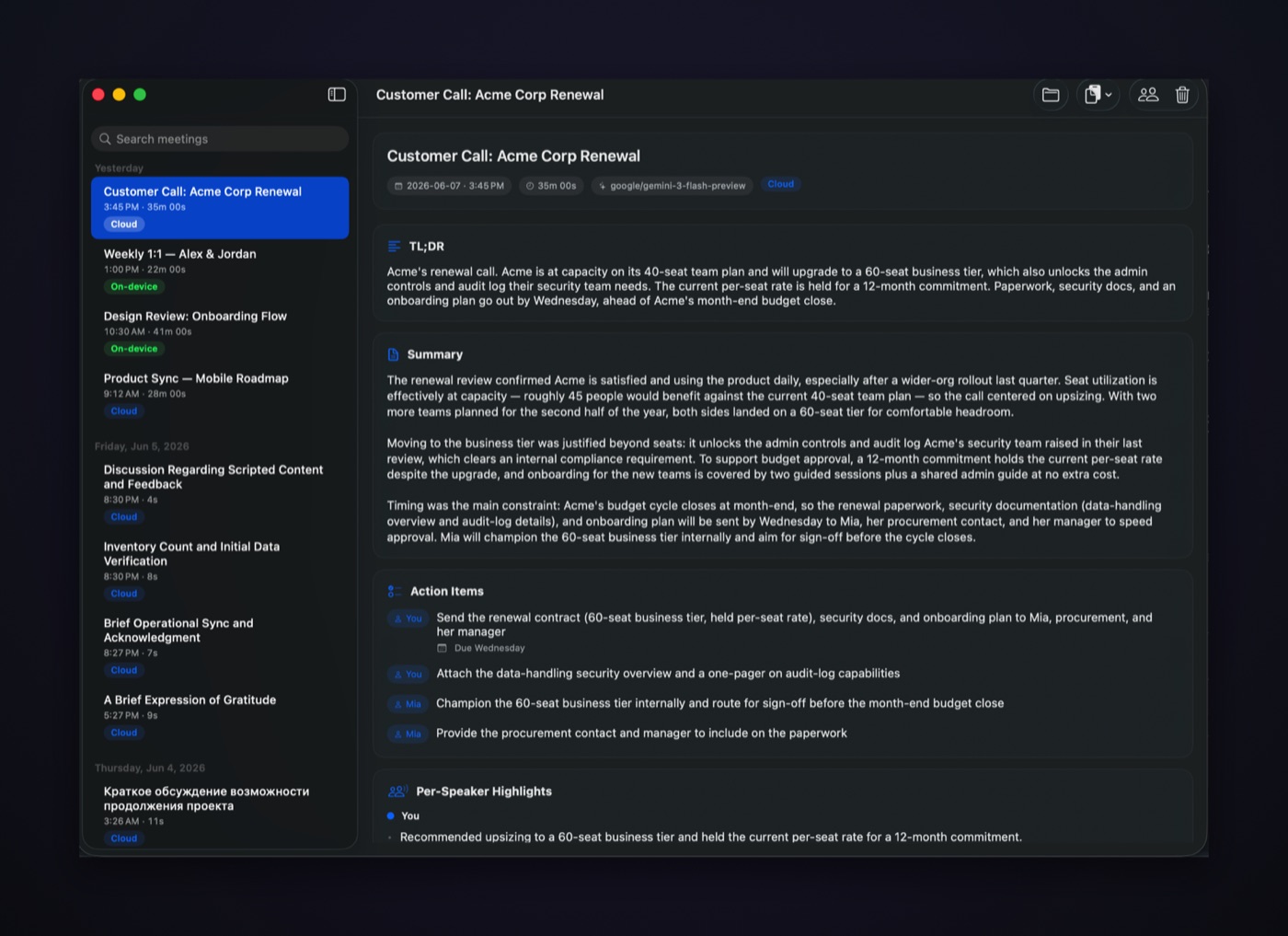
Summaries are optional and off until you add an OpenRouter key — TL;DR, overview, action items, per-speaker highlights, written in whatever language the meeting was in.
The cloud tier, and the clock problem
On-device Whisper is good. ElevenLabs Scribe is better, and sometimes a call is worth it, so there’s a per-meeting button that sends one meeting to Scribe with your own key. Two things had to be true before that was worth shipping.
It had to cost 1×. Handing Scribe a two-channel file bills you for two channels, so I mix down to mono first — and then recover the speakers myself from the two channels’ energy envelopes instead of using Scribe’s diarization. I already know the ground truth. There’s no reason to pay a model to guess at something I measured.
And the mix had to be honest about clocks. The mic and the tap run on independent hardware clocks: a Bluetooth headset at 44.1 kHz, the system tap at 48 kHz. Summing those sample for sample silently time-warps one of them — the mono file’s duration comes out wrong, and every word timestamp drifts against the envelopes I’m using to attribute speakers. So both channels get resampled onto the higher of the two rates before anything is summed. In practice they’re usually both 48 kHz and none of this matters; the one time it doesn’t, everything downstream is quietly broken.
Files, not a database
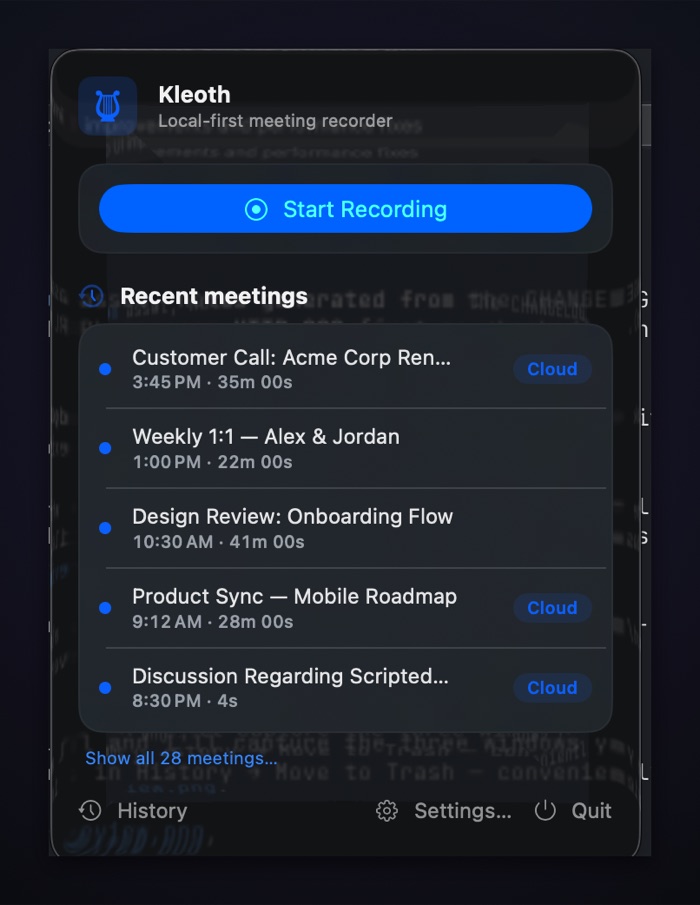
Every meeting is one self-contained folder:
~/Kleoth/meeting-2026-08-02-143000/
  mic.m4a  system.m4a  meeting.m4a
  transcript.json  transcript.md
  summary.json     summary.md
  speakers.json    meta.json
There is no database. Grep the folder, sync it, open it in Obsidian, delete it and the meeting
is gone. The app is a view over the directory, not the owner of it — which also means the kleoth
CLI can run the same pipeline on an audio file without the app involved at all.
One honest note
Recording conversations is regulated, and in a lot of places it requires everyone’s consent.
Kleoth records both sides without putting a visible bot in the room. That is a UX decision, not
legal cover. Ask the people you’re talking to. The app makes you acknowledge that once and
stamps it into each meeting’s meta.json, which is a paper trail, not a permission slip.
Rough edges
- Builds are self-signed, not notarized, so the first launch needs right-click → Open. Apple Developer Program enrollment is the fix and it’s pending.
- macOS 14.4 or later — that’s where the process-tap API lands. Apple silicon recommended, since that’s what the Neural Engine path is for.
- No Whisper model-size picker yet; you get the default and its 626 MB.
- The App Intents may not surface in Spotlight — SwiftPM doesn’t run Apple’s intents metadata
extractor. The
kleoth://URL scheme and the global hotkey work regardless.
Source and downloads: github.com/ofcRS/kleoth.